What's the best website builder for a small law firm? Wix vs Squarespace vs WordPress
Most do-it-yourself law firm sites get built after hours.

By Gaston Sitbon, co-founder of SettledSites
Published · Last reviewed
Short answer: We've both built sites on these platforms, and here's our honest take. Wix is the easiest to start and the most frustrating to live with. Squarespace looks tidy but boxes you in. WordPress can do anything, if you keep up with it. But when we tested Illinois law firm sites, the platform mattered less than how the site was put together. Most do-it-yourself sites were slow in Google's phone test, whichever builder they used.
If you're a solo or a small firm, at some point an ad told you that you can build your own website in an afternoon. You can. The question is what it costs you after that afternoon. Here's what each of the big three is good at, where each one falls short, and what we found when we tested thousands of Illinois law firm sites.
10%of Illinois law firm sites on WordPress showed their main content within 2.5 seconds on Google's lab phone testSettledSites, November 2026
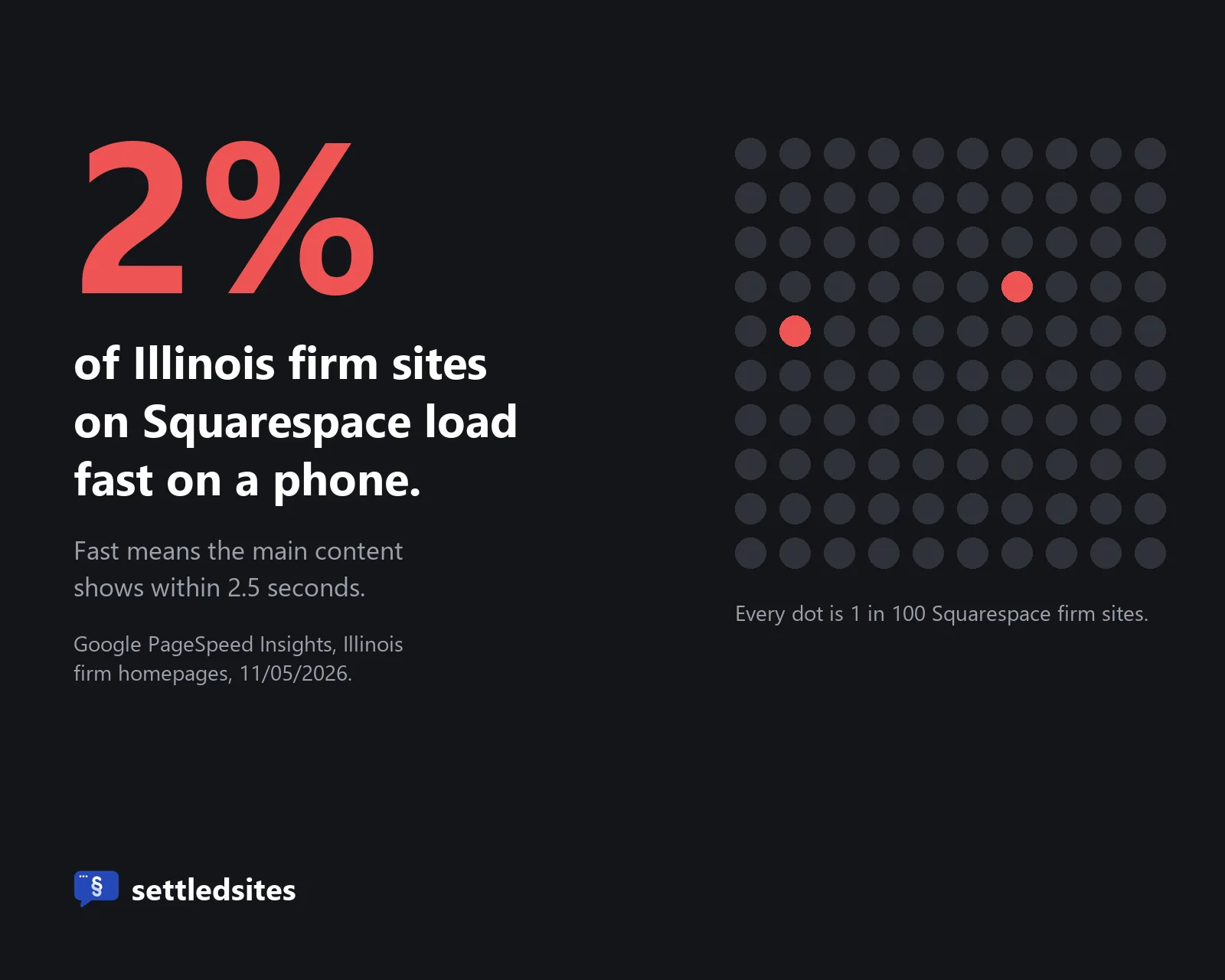
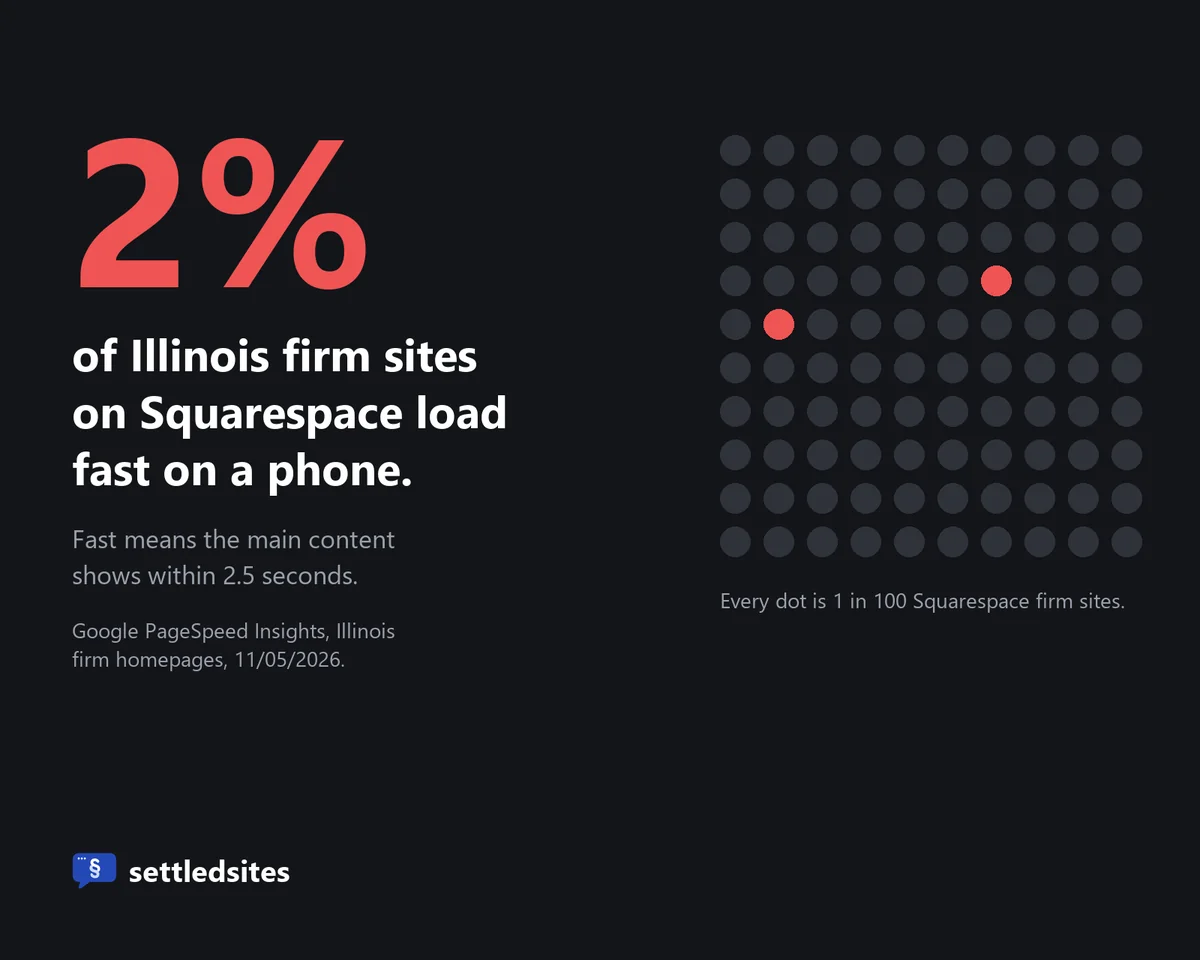
2%of Illinois law firm sites on Squarespace did thatSettledSites, November 2026
Why do so many lawyers build their own website?
Because it looks cheap and fast. A builder costs less a month than a lunch meeting, the ads promise a site in an afternoon, and lawyers are used to figuring things out on their own.
It's also a timing thing. Most solos build their first site the month they hang their shingle, when money is tight and every dollar feels like it should go somewhere else. That's a fair call to make. Just make it knowing what comes after the first afternoon.
Is Wix good for a law firm website?
I've used Wix before. Honestly, I'm not a fan. It's not too far off from using Canva: you move something, it jumps somewhere else on the page, and the whole thing is fidgety.
Except Canva doesn't charge you an arm and a leg for each extra thing you want to do. Wix's main plans run $17 to $39 a month billed yearly, and booking, forms and other add-ons can cost more on top.
Is Wix good for a site about my pet armadillo? Sure. But I don't have a pet armadillo, and you don't run a hobby. In our check of Illinois firm sites, more than half of the Wix sites that show a copyright year still showed 2024 or earlier. People set them up and leave them.
Is Squarespace good for a law firm website?
Squarespace's templates look clean out of the box, and hosting is included, so there's less to break than on WordPress. That's the upside.
The downside is that you live inside its boxes. If a layout doesn't do what you need, there's not much you can change. Plans run $19 to $99 a month billed yearly. And if you ever leave, the export only moves your basic pages, one blog, and their text and image blocks. Your styling, and pages like your store or portfolio, stay behind.
Speed is where it hurt most in our test. Only 2% of the Illinois firm sites we checked on Squarespace loaded their main content in 2.5 seconds or less in Google's phone test. We also covered the July 2024 domain takeovers that hit some Squarespace customers in monthly fee vs one-time build.
Is WordPress good for a law firm website?
I used to swear by WordPress, and back then it was great. Loads of plugins, pretty versatile, and it wasn't too expensive. It still runs about half of the Illinois law firm sites we checked, so it's doing something right.
The two biggest problems I had: it gets bloated very easily, and one time I even got a virus through a plugin. The software is free, but the hosting, the theme, the plugins, the updates, and the person who fixes it when an update breaks something are not.
Overall it was great. But I firmly believe the days of WordPress are numbered. Only about 1 in 10 of the WordPress firm sites we tested (not counting the ones FindLaw runs) showed their main content within 2.5 seconds in Google's phone test.
How do Wix, Squarespace and WordPress compare?
Monthly price, billed yearly. Wix: $17 to $39 (main plans). Squarespace: $19 to $99. WordPress: free software, plus hosting, theme and plugins.
Who keeps it running. Wix: Wix, but you do the edits. Squarespace: Squarespace, but you do the edits. WordPress: you, or someone you pay.
Can you take it with you? Wix: not really, plan on rebuilding. Squarespace: partly, basic pages, one blog, text and image blocks. WordPress: yes.
Illinois firm sites fast on a phone. Wix: 14%. Squarespace: 2%. WordPress: 10%.
Prices from Wix and Squarespace plan pages, November 2026. Speed: SettledSites test of 5,027 Illinois law firm homepages, November 5, 2026.
One more thing none of the three will do: check your site against your state's lawyer advertising rules. That part's on you. Every SettledSites site is checked against the rules for your state before it goes live.
Which platform makes the fastest law firm website?
We ran Google's own phone speed test on Illinois law firm homepages and sorted the results by platform. The do-it-yourself builders were all slow, and FindLaw, which builds and runs sites for firms, was the fastest by a wide margin.
Share of Illinois firm sites that load fast on a phone (2.5 seconds or less):
- FindLaw: 81%
- All Illinois firm sites: 16%
- Wix: 14%
- WordPress: 10%
- Squarespace: 2%
Google PageSpeed Insights phone test, November 5, 2026: 5,027 Illinois firm homepages that returned a score. WordPress means sites not run by a legal platform.
The typical Squarespace firm site took 10.6 seconds to show its main content, WordPress 7.2 and Wix 6.4. For the overall Illinois picture, see why a law firm website isn't getting calls. Google's test pretends to be a mid-range phone on a slow connection, so real visitors often see faster loads, but every site gets the same test.
Google also publishes speed data from real Chrome visitors across the whole web, and there the order shifts: in September 2026, 81% of Wix sites, 71% of Squarespace sites and 48% of WordPress sites passed its speed checks on phones. That's a different test on millions of sites of every kind, so don't hold those numbers up against ours. Both put Wix ahead of WordPress.
That tells you the builder isn't everything. How the site is put together matters more. FindLaw's sites have a median score of 96 out of 100 on Google's phone test, and show their main content in about 1.2 seconds. Their pages are about half the size of the typical Wix, Squarespace or WordPress page. We build ours by hand in plain code, with nothing extra loading in the background, and settledsites.com scored 97 in 3 of 4 tests, at about 1 second.
When I saw our numbers match FindLaw's, I was over the moon. Why? Because FindLaw charges an arm and a leg, and we do it for a lot less. Wait... maybe we should charge more.
What does a do-it-yourself website really cost you?
Using a do-it-yourself builder feels good, because you feel like you're getting something done. But it takes a lot of time to set up, and a lot of time to keep up.
And when something goes wrong, you have to know how to get under the hood to fix it. Every hour you spend on that is an hour you're not billing. Do the math on your own rate. Even a few evenings a year adds up to more than the builder costs.
When is a website builder the right call?
When you're just starting out, money is tight, and you need something live this week. A simple one-page site with your name, practice area, phone number and email beats no site at all.
If that's you, pick one and keep it simple. Make the phone number tappable, make sure the address starts with https, and put a reminder in your calendar to check it every few months. When the site starts costing you more time than it saves, that's the moment to hand it off.
Done fighting with a builder? Call us. We'll show you what we can do. And we'll answer the phone.
Questions lawyers ask about website builders
What's the best website builder for a lawyer?
There isn't one clear winner. It comes down to how much time you'll put in: see the side-by-side comparison.
Is Wix professional enough for a law firm?
It can look professional, but it's hard to keep that way, and moving off Wix later usually means rebuilding. More in the Wix section.
Is WordPress safe for a law firm website?
It's safe if someone keeps it updated. Most WordPress security holes are in plugins and themes, not WordPress itself: of the new ones found in 2025, 91% were in plugins. If nobody's checking for updates every month, a WordPress site gets riskier every month it sits. Fewer plugins means fewer doors to leave open.
Can I move my site from Wix or Squarespace later?
Your domain, yes. The design, no: Wix has no real export to another host, and Squarespace leaves your styling behind. The rest is in our post on owning your law firm website.
Do website builders follow lawyer advertising rules?
No. They're general tools for any business. Check your state's rules before you publish anything about results or specialties.
Sources
- SettledSites crawl of 5,101 Illinois law firm homepages (platforms and copyright years), fall 2026
- SettledSites Google PageSpeed Insights phone test of the 5,027 Illinois firm homepages that returned a score, November 5, 2026
- Wix US plan prices (Light $17, Core $29, Business $39 a month, billed yearly), recorded by SettledSites from wix.com/plans on November 4, 2026
- Krebs on Security, Weak Security Defaults Enabled Squarespace Domains Hijacks (July 15, 2024)
- Squarespace, pricing, checked November 5, 2026
- Squarespace Help, Exporting your site
- Wix Help, Exporting or embedding your Wix site elsewhere
- HTTP Archive, Core Web Vitals technology report (Chrome real-user data), September 2026
- Patchstack, State of WordPress Security in 2026
- Google web.dev, Largest Contentful Paint thresholds
Written by Gaston Sitbon and Mark Jarvis, co-founders of SettledSites. Facts checked November 5, 2026.
Keep reading
See your own firm's new homepage before you pay anything.